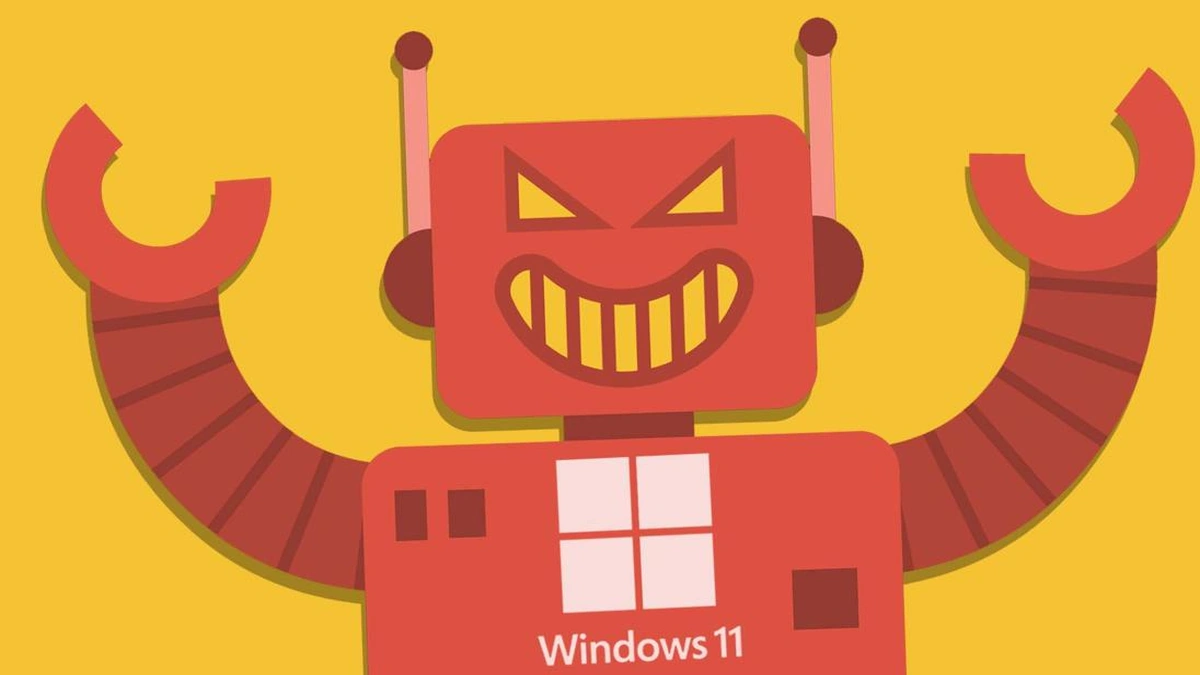
Alright, let’s talk about something that’s been buzzing in the tech world – Windows 11 AI. But not just the surface-level stuff. We’re diving deep into why it matters, how it’s going to change things, and what you, as a user in India, should actually care about. Forget the hype for a second; let’s get real.
Why Windows 11 AI is a Game Changer
So, why all the fuss? It’s not just about adding a chatbot to your OS. It’s about fundamentally changing how you interact with your computer. We’re talking about artificial intelligence woven into the very fabric of Windows 11. Think about it: AI that anticipates your needs, automates tedious tasks, and learns from your behavior. Sounds futuristic? It is. But it’s also here now.
But – and this is a big but – the real game-changer isn’t just the tech itself; it’s how it’s being democratized. In India, where access to specialized software or training can be a barrier, having powerful AI tools built into something as ubiquitous as Windows 11 levels the playing field. Imagine a student in a small town now able to use AI-powered research tools previously only available to those with access to expensive software. That’s the potential.
Here’s the thing: this isn’t some distant promise. Microsoft is actively integrating features like Copilot in Windows 11 , which acts as your personal AI assistant. It can summarize documents, generate creative content, and even help you troubleshoot technical issues. And that’s just the beginning.
How to Actually Use Windows 11 AI to Boost Your Productivity
Okay, enough with the theory. Let’s get practical. How can you actually use Windows 11 AI features to make your life easier? Let me walk you through a few examples. A common mistake I see people make is ignoring the built-in accessibility features. Windows 11 has dramatically improved its voice control and screen reader capabilities, all powered by AI. This can be a game-changer for users with disabilities or anyone who prefers a hands-free experience.
Let’s say you’re a student working on a research paper. Copilot can quickly summarize lengthy articles and extract key information, saving you hours of reading. Or perhaps you’re a small business owner trying to create marketing materials. AI-powered design tools can help you generate professional-looking graphics and copy, even if you have no design experience.
And, it’s important to remember that AI-enhanced search goes beyond simple keyword matching. It understands the context of your query and delivers more relevant results, saving you time and frustration. I initially thought this was straightforward, but then I realized how profound the implications are for knowledge workers.
But it’s not just about productivity. AI powered creative tools is a huge aspect of Windows 11. The Photos app, for instance, uses AI to automatically enhance your images and create stunning visual stories.
Addressing the Concerns: Privacy and Security in the Age of AI
Let’s be honest: with all this talk about AI, it’s natural to have some concerns about privacy and security. After all, AI needs data to learn and function, and that data often comes from you. So, how is Microsoft addressing these concerns?
Microsoft is committed to responsible AI development, which means prioritizing user privacy and data security. They’ve implemented several measures to protect your data, including anonymization, encryption, and strict access controls. However, it’s important to remember that no system is perfect, and it’s crucial to stay informed and take proactive steps to protect your own data. One thing you absolutely must double-check in your privacy settings is what data you share with Microsoft. You have granular control over what information is collected and how it’s used.
We need to remember that data privacy is paramount. You should be in control of your data. And the thing is, Microsoft also has to navigate tricky regulations on this front as well.
The Future is Now: What’s Next for Windows 11 AI
So, what does the future hold for Windows 11 AI? Expect even deeper integration of AI into all aspects of the operating system. Think AI-powered proactive assistance, personalized recommendations, and seamless cross-device experiences.
But here’s what fascinates me: the potential for AI to empower users in developing countries. Imagine AI-powered translation tools breaking down language barriers, or AI-driven educational resources providing access to quality learning materials for everyone. The possibilities are endless.
There’s also a possibility for more integrated machine learning. It is a rapidly advancing field, and we’re just starting to see its impact on Windows 11. The key takeaway is that Windows 11 is not just an operating system anymore; it’s a platform for innovation, and AI is at the heart of it all.
FAQ About Windows 11 AI
Will Windows 11 AI features slow down my computer?
Not necessarily. Microsoft has optimized the AI features to run efficiently, even on older hardware. However, you may experience some performance impact if you’re running resource-intensive applications simultaneously.
Do I need special hardware to use Windows 11 AI features?
Most Windows 11 AI features will work on standard hardware. However, some advanced features may require specific hardware, such as a dedicated neural processing unit (NPU).
Is Windows 11 AI available in all regions of India?
Yes, Windows 11 and its AI features are available across India.
Can I disable Windows 11 AI features if I don’t want to use them?
Yes, you can disable most Windows 11 AI features in the settings menu. You have control over what features are enabled and disabled.
Here’s the bottom line: Windows 11 AI is not just a gimmick. It’s a fundamental shift in how we interact with technology. And it has the potential to empower users in India and around the world in ways we can only begin to imagine. It truly shows that technology can be inclusive of everyone regardless of location. It is something that every business should consider.
If you want to know about some potential dangers from Windows AI, please visit Windows AI Malware .


Leave feedback about this